
Meet SFS Drive
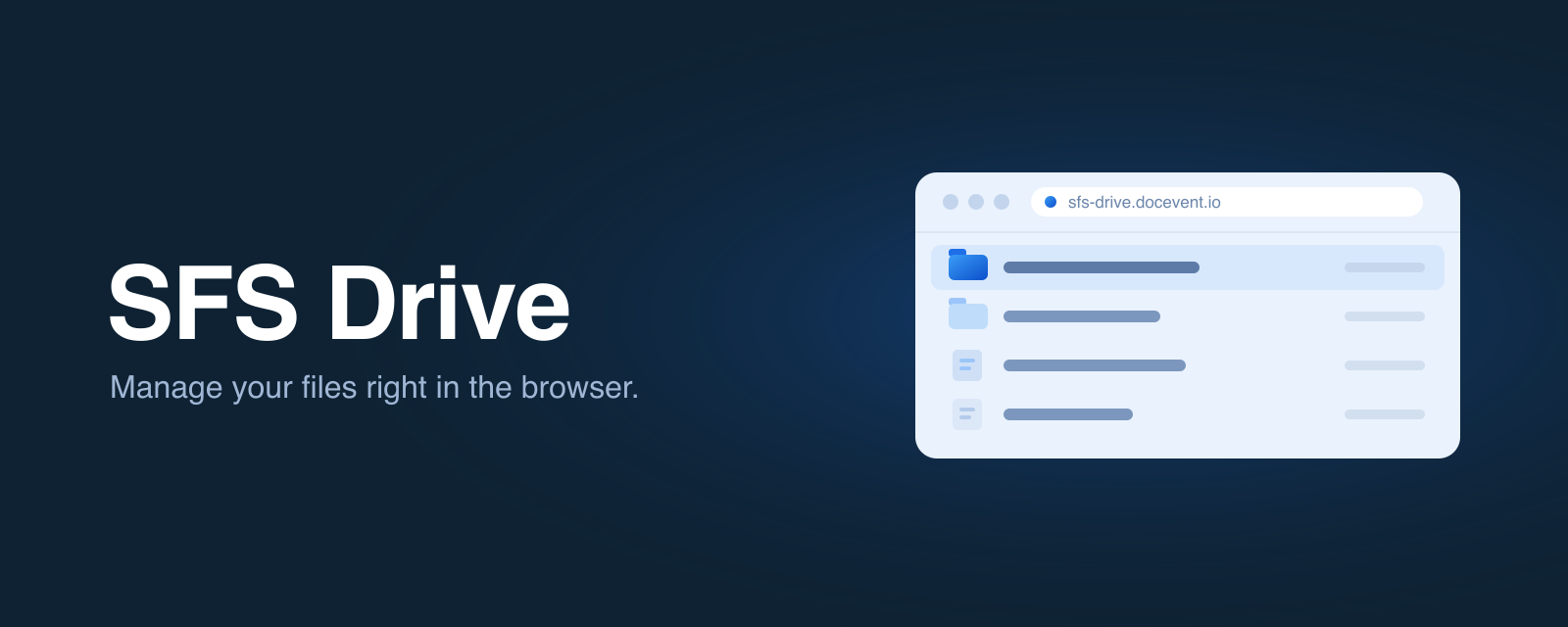
Your Simple FTP Service (SFS) is now available to your users over the web. With SFS Drive they sign in at sfs-drive.docevent.io using the same username and password you created for them — no SFTP client to install — and manage their files right in the browser.
A full file manager, in the browser
- Browse your folders — navigate the whole storage tree, with back/forward and a clickable path.
- Drag-and-drop uploads — drop one file or many anywhere on the page and watch live progress.
- Download in a click — grab any file straight from the browser.
- Organise as you go — create folders, rename, and delete without leaving the page.
Read-only accounts keep their read-only access, and the firewall rules you've configured are still enforced on the web.
Need a quick look? Use Browse
There's also a new Browse tab on each service's page in the management console. Open one of your services and you can view its files immediately — right where you manage everything else, with no separate login.
Secure by design
SFS Drive uses your service's existing usernames and short-lived, encrypted sessions. Your files stay in your own cloud storage, in your region — SFS Drive is just a faster way to reach them. Nothing about your current SFTP/FTPS access changes; this is simply one more way in.